


Registration
- If you already have an existing Panels Portal account, please skip to the “Portal Menu” section.
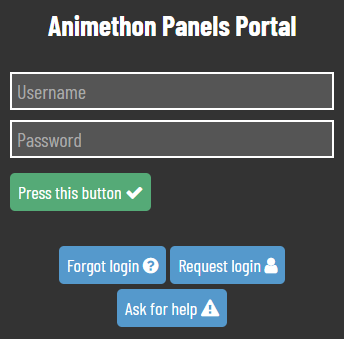
If this is your first time using our Panels Portal, please follow the link below and use the “Request Login” button.
- Please fill out the blanks with your full name, group/alias name, email address, and phone number.
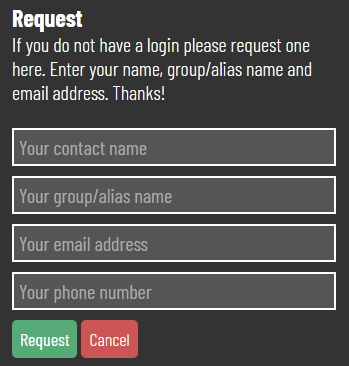
If you have submitted a panel with us in a previous Animethon event, please ensure the information matches your former submission details to help us link it to your account.
- Once you have confirmed your information, press “Request” to send the login request.
Please wait for your login request to be approved. You will receive an email with your new login information within three business days.
Portal Menu
You will be required to update your “Host Details” upon your first login to the portal each year.
- Click on “Update your Details before Signing Up!”
- Update your information
- Click “Save”
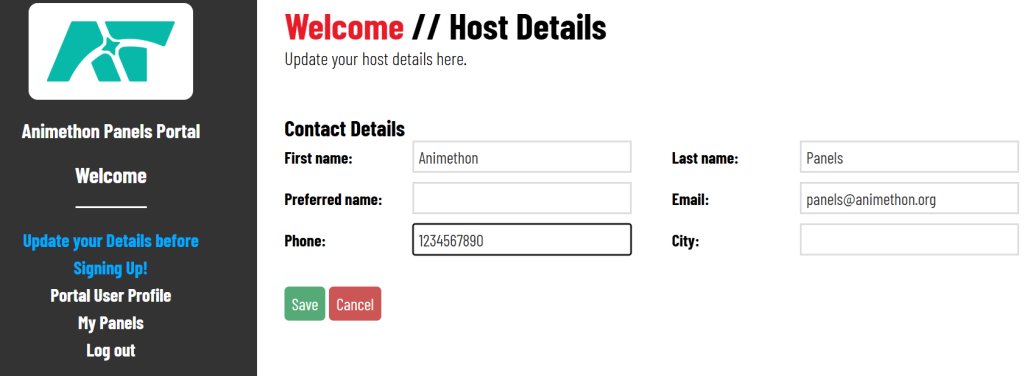
The navigation menu will update automatically once it has been updated.
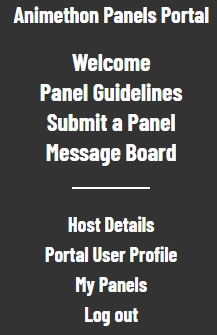
Welcome
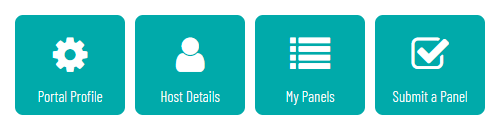
This is the Panels Portal homepage. It will display the most recent announcement for panelists, as well as quick-access buttons at the bottom.
Panel Guidelines
The Panel Guidelines will open in a new window.
Submit a Panel
This form is for submitting a new panel.
Your contact information is autopopulated based on your profile information. Please double-check these fields before submitting your panel.
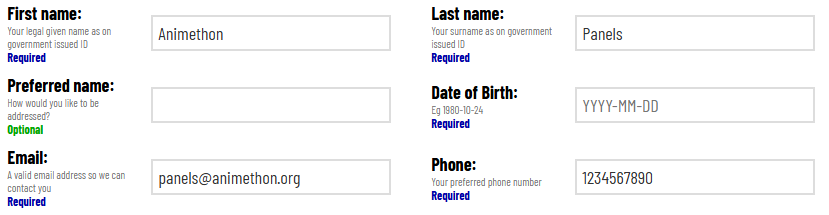
Once you have submitted your form, it will appear in your “My Panels” page under “Current” where it will be editable until the Panel Submission deadline has passed.
Message Board
All announcements for panelists will be available to view here.
Host Details
Personal information linked to this account can be updated here.
Portal User Profile
Information for logging in to the portal can be updated here.
My Panels
A summary of current and past panel submissions.
Current panel submissions can be edited here using the green button on the right-hand side.

These panels will be editable until the Panel Submission deadline has passed.
If you have a previous panel you would like to resubmit for the upcoming Animethon, find your panel under “History” and click on the green button on the right-hand side.

Scroll to the bottom and press “Resubmit this panel as a new panel?”.
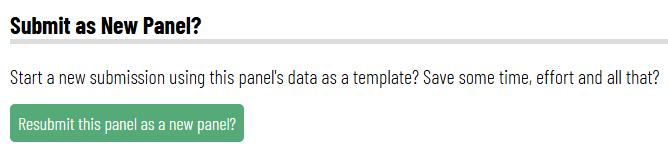
Please note, this will autopopulate a submission form using the previous panel information. The information filled should be double-checked before clicking “Submit”.
If you have any questions about the Panels Portal, please feel free to email panels@animethon.org